Product
Which one is suitable for me?
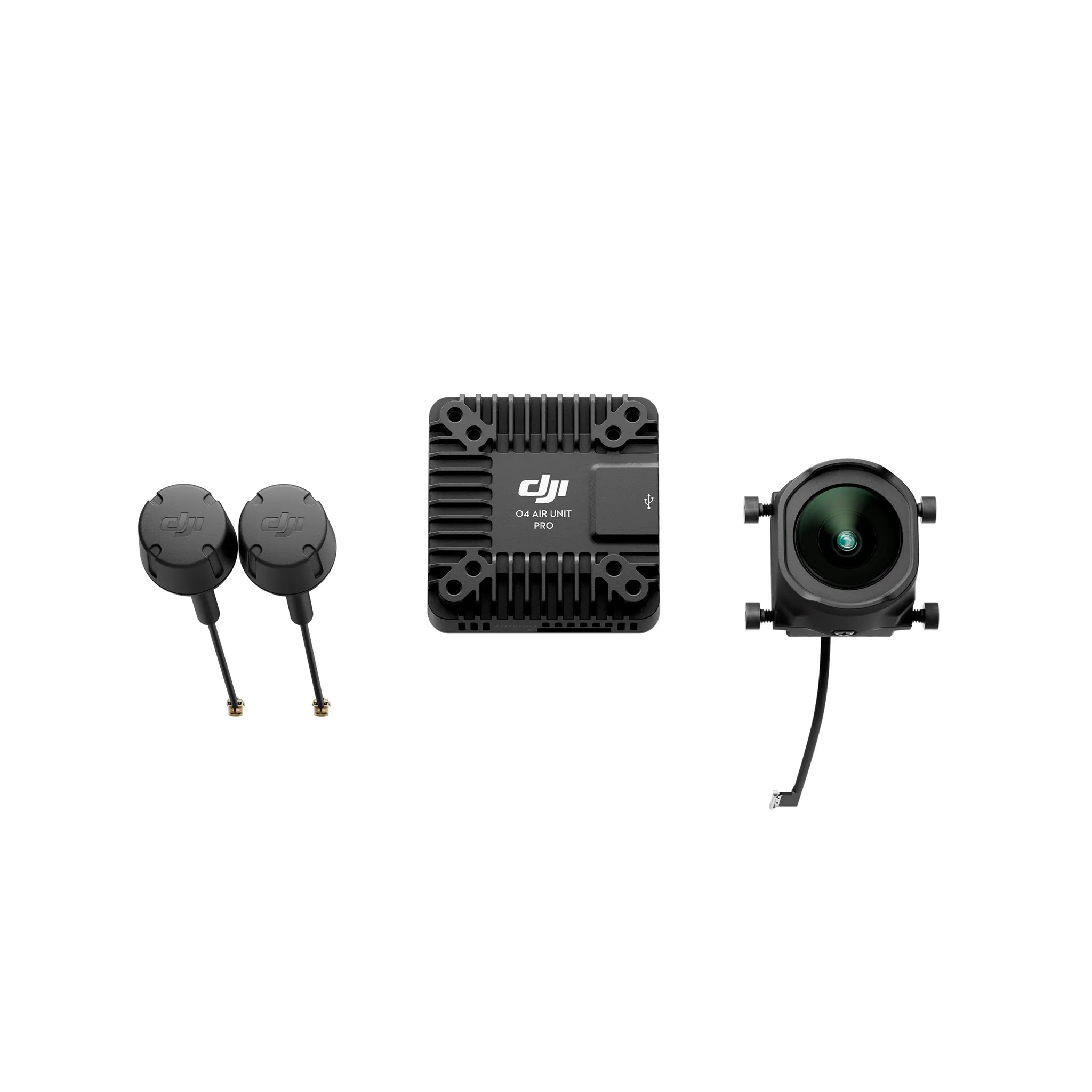
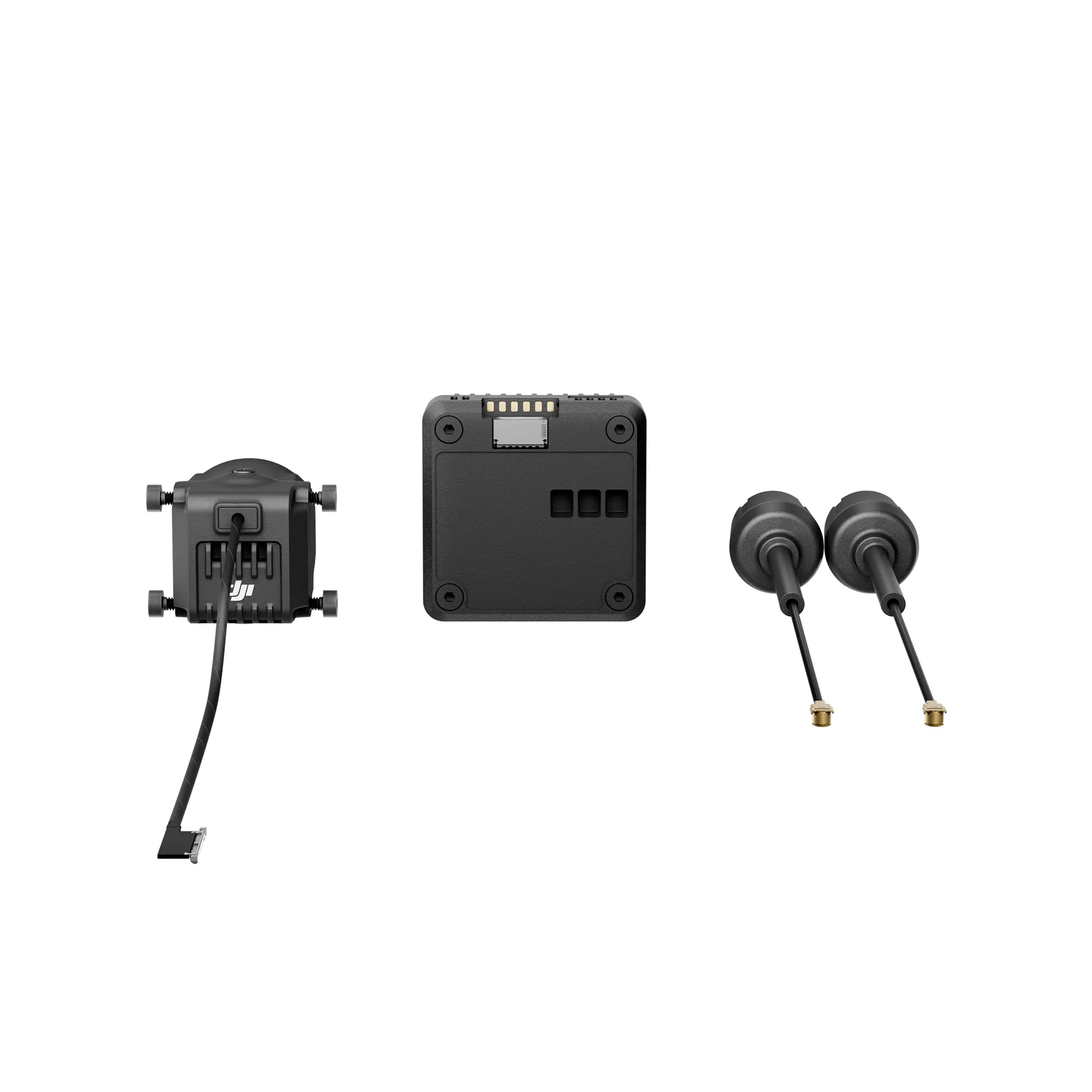
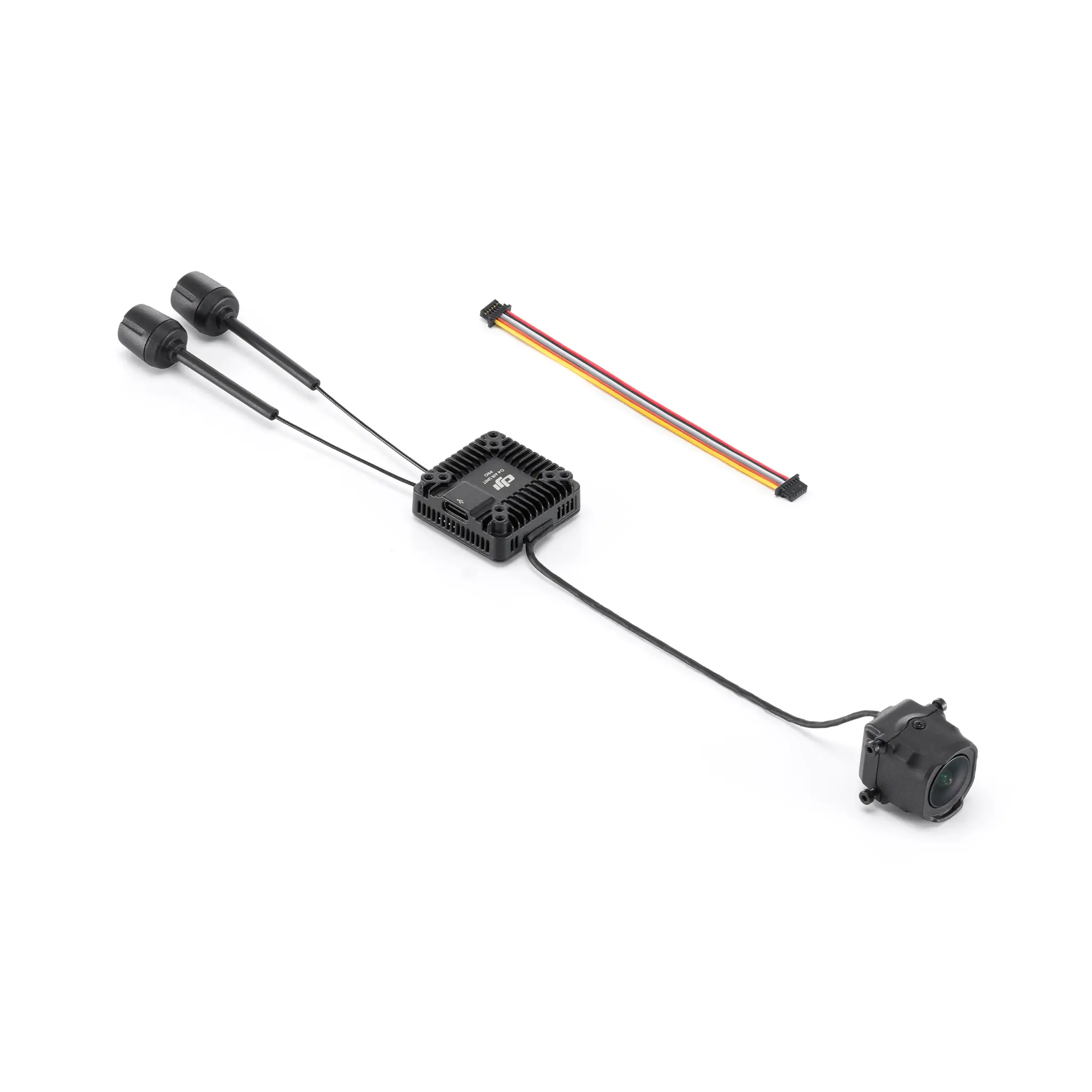
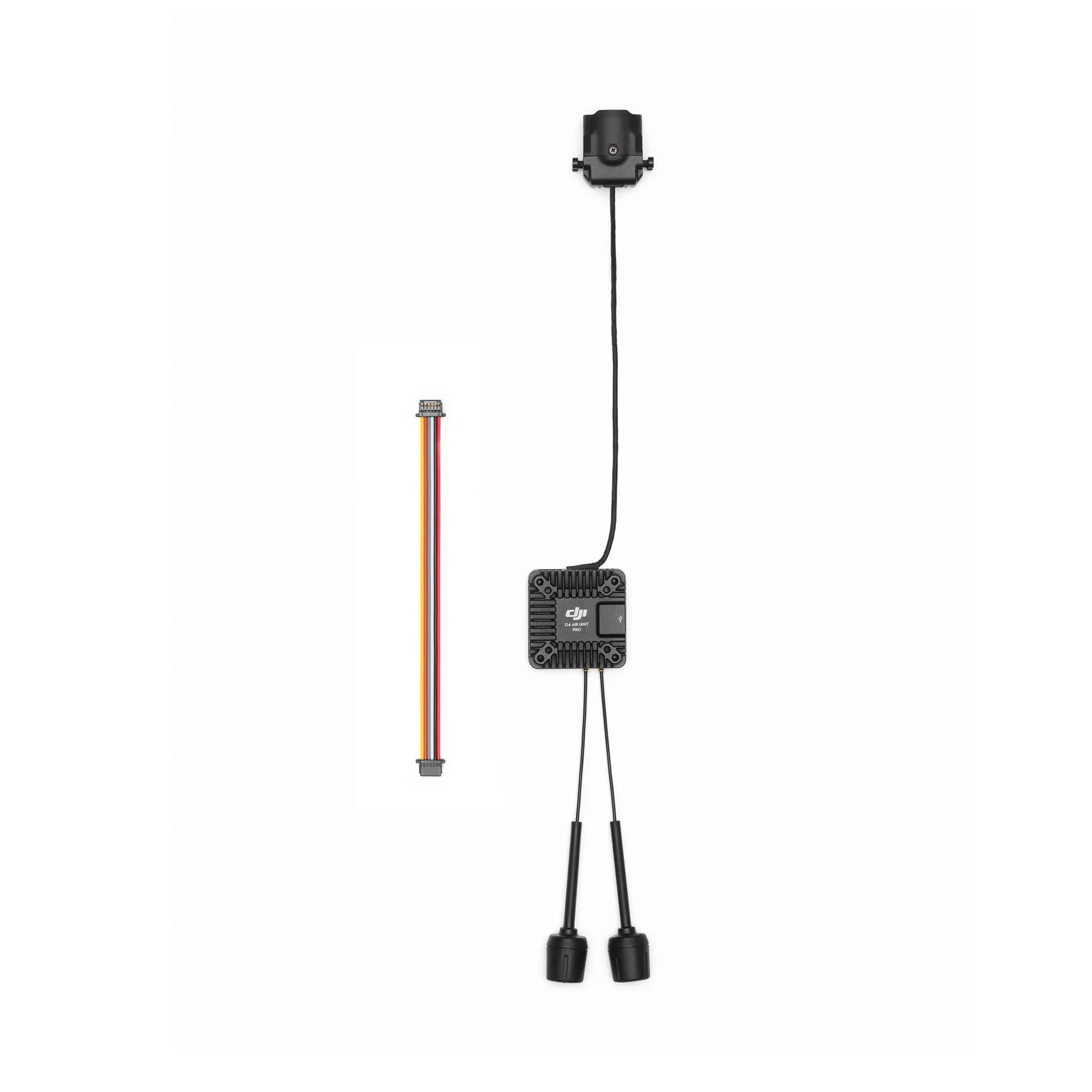
The DJI O4 Air Unit Series includes two products, both equipped with the DJI O4 video transmission system. Compared to the previous generation, these products offer users a new experience with lower latency, longer range, and more ways to play.
The DJI O4 Air Unit is compact and lightweight, with a mounting hole distance of 30 × 30 mm, a height of only 6 mm, and a weight of just 8.2 grams, making it ideal for beginners in the FPV drone community. The DJI O4 Air Unit is perfectly compatible with 2-inch and smaller frames, and it is also suitable for installation on racing frames for practice. It features a 1/2-inch image sensor, capable of shooting up to 4K/60fps video, with a minimum transmission latency of 20 milliseconds and a maximum transmission distance of 10 kilometres. Additionally, it comes with 23GB of built-in storage, making it an excellent choice for difficult aerial acrobatics and beginners, offering excellent bang for the buck.
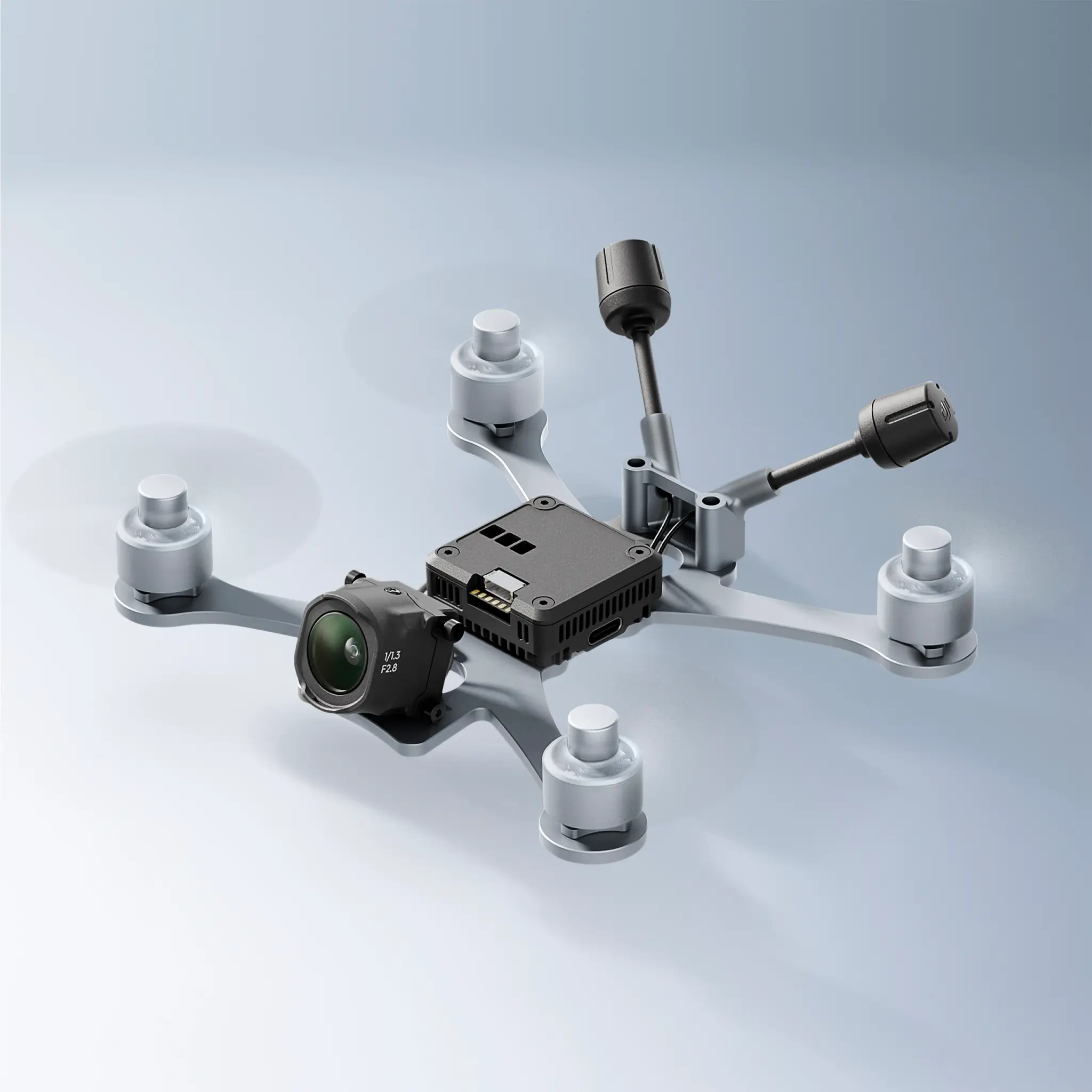
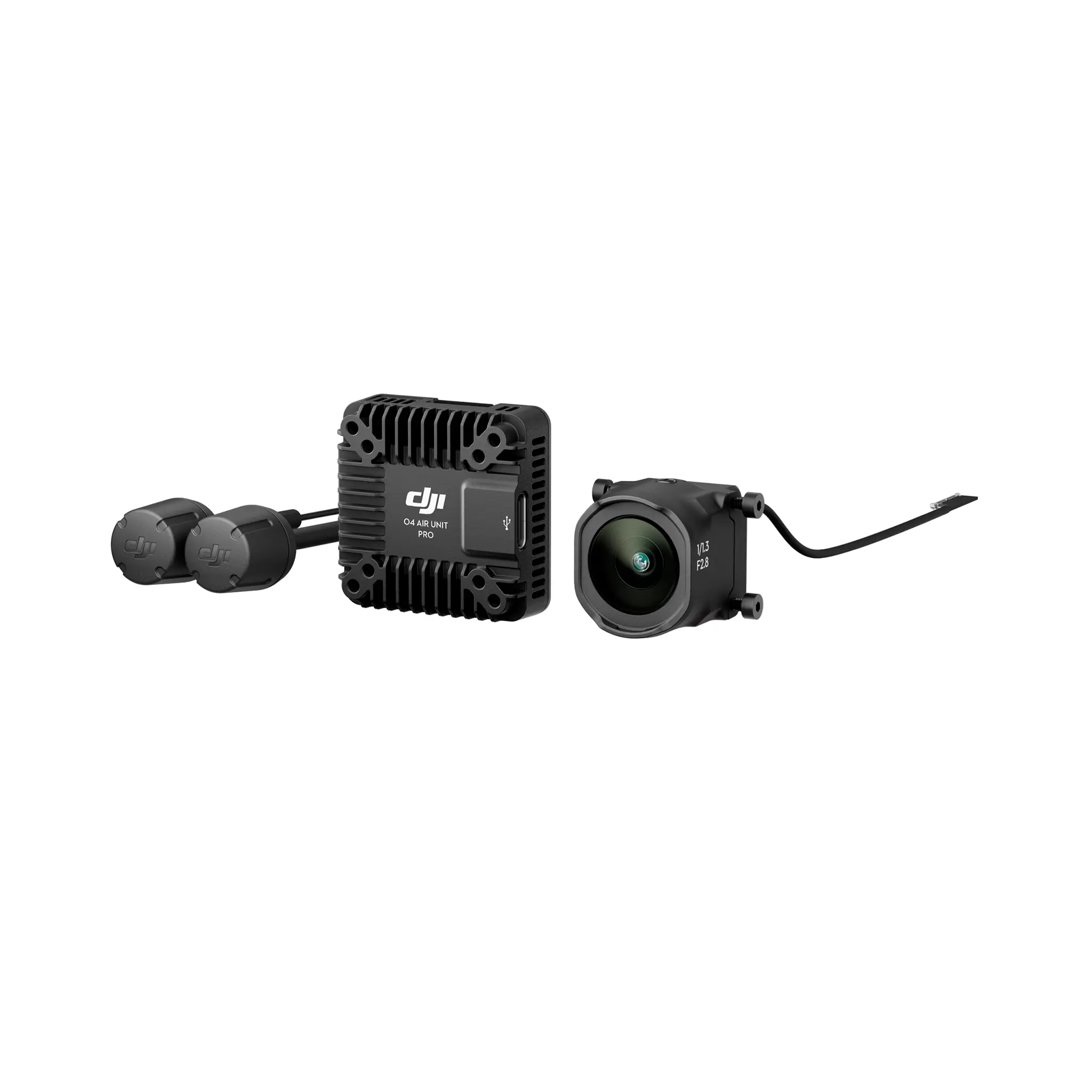
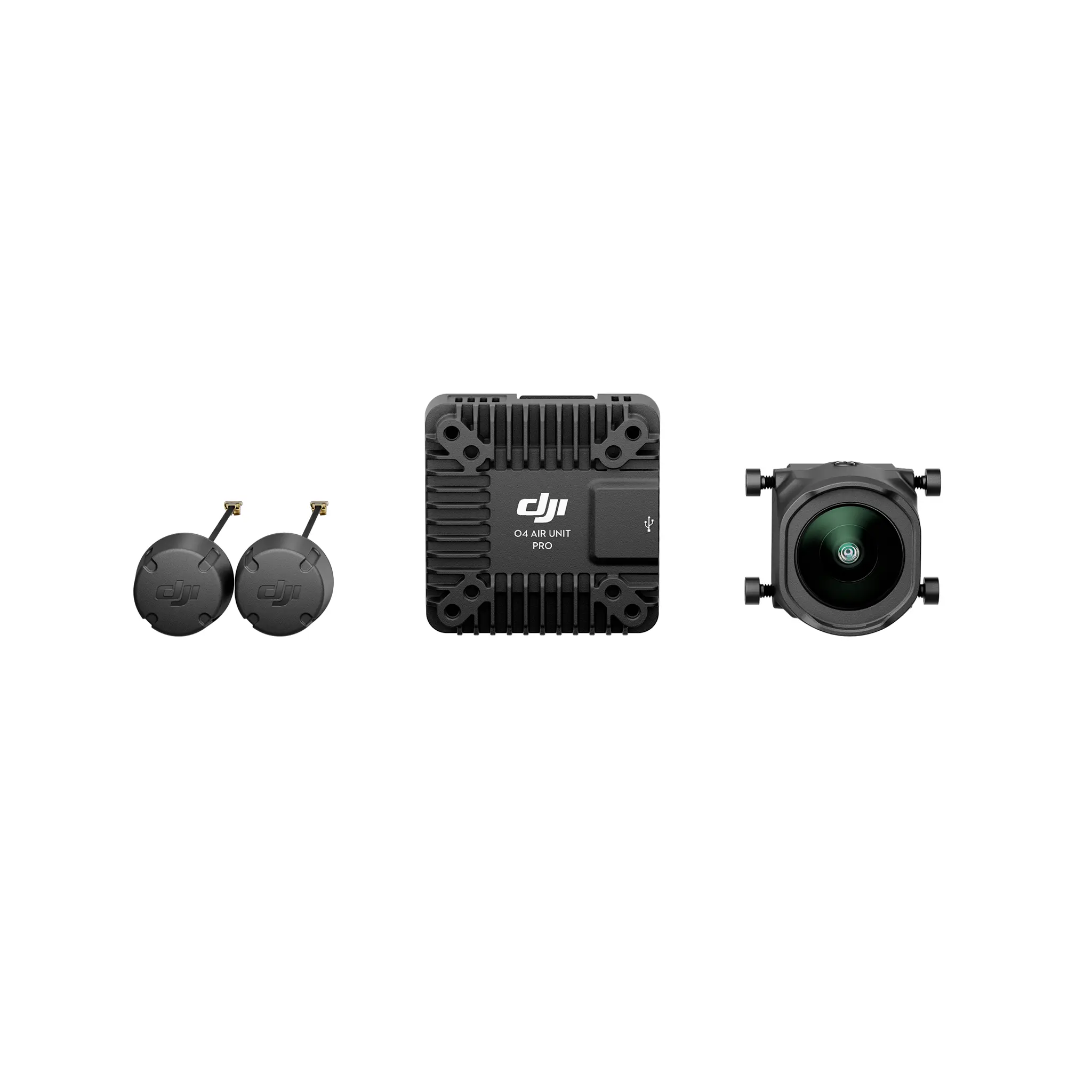
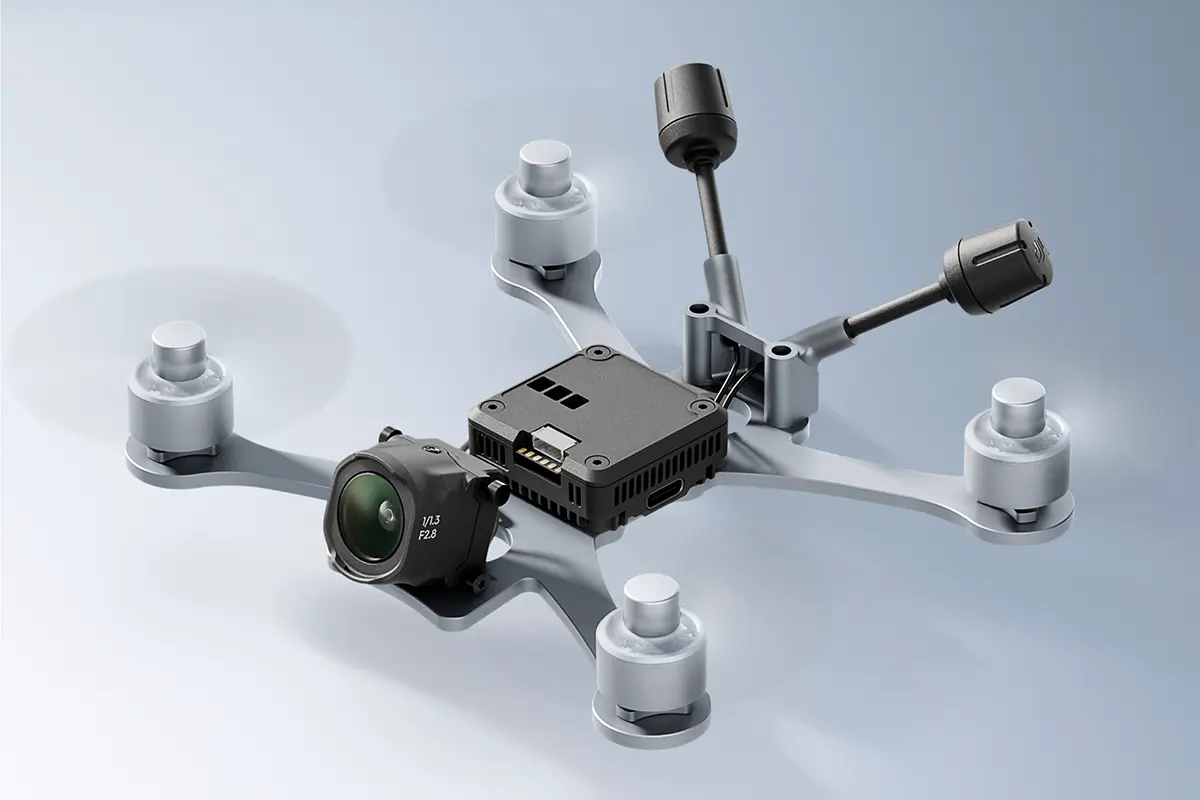
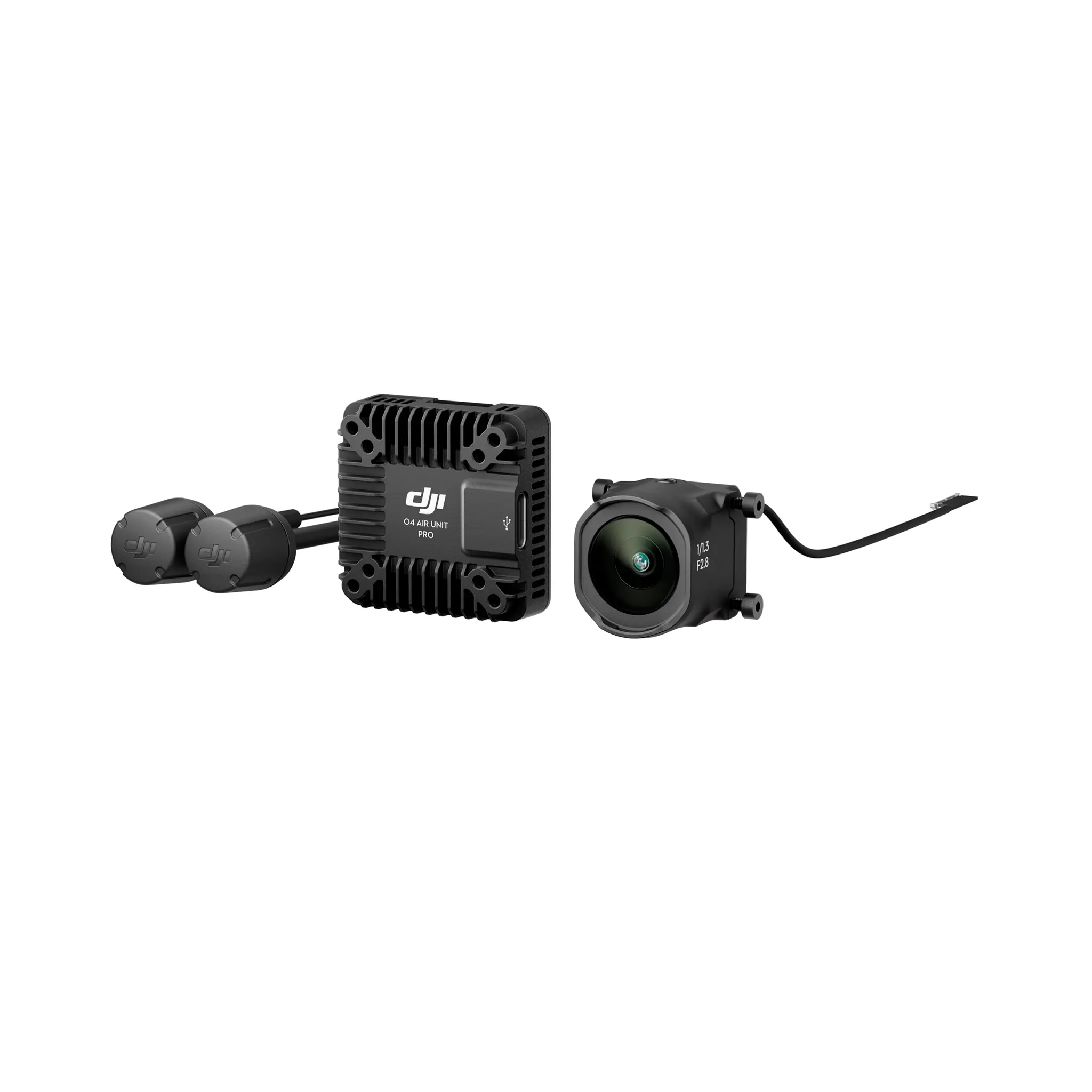
DJI O4 Air Unit Pro is powerful and is the ideal choice for FPV users. It is compatible with frames of 3 inches and above, including professional FPV such as the X8. The DJI O4 Air Unit Pro is equipped with a 1/1.3-inch image sensor, capable of shooting up to 4K/120fps video, and supports 10-bit D-Log M colour mode. It is compatible with the same ND filters as the DJI Avata 2, providing ample flexibility for professional shooting and post-production. When the racing mode is activated, the minimum transmission latency can reach 15 milliseconds, and the maximum transmission distance can reach 15 kilometres. Whether flying in a specific area or on a long-distance flight, it provides users with an exceptional flying experience.
* The values of various parameters are measured in a controlled test environment. Please refer to the official website for details.
Which goggles and remote controllers are supported by the DJI O4 Air Unit Series?
DJI Goggles 3 / DJI Goggles N3 + DJI FPV Remote Controller 3
DJI Goggles 2 / DJI Goggles Integra + DJI FPV Remote Controller 2
* Third-party flight goggles are not supported.
* Supports third-party remote controllers with other protocols, but an additional receiver is required.
* To use the DJI FPV Remote Controller, the flight control protocol must be set to SBUS.
Can I fly a racing drone using the DJI O4 Air Unit Series at the same time as other racing drones using analogue video transmission?
Yes.
The DJI O4 Air Unit Series has introduced a racing mode feature, which can fix the recording and video transmission specifications at 1080p/100fps, set the channel mode to manual mode, and is compatible with the racing frequency points used in analogue video transmission, divided by Race Band. When using with other racing drones that use analog video transmission, it is recommended to keep the goggles at least one meter apart and manually select the distribution frequency and adjust the appropriate video transmission power.
* Enable racing mode, requires DJI Goggles 3 or DJI Goggles N3.
Can the DJI O4 Air Unit Series share accessories with the DJI O3 Air Unit?
The DJI O4 Air Unit Series and DJI O3 Air Unit only support partial accessory compatibility. Please carefully check the accessory compatibility list before purchasing, or consult DJI Support.
Shared accessories include: 3-in-1 cable*, video transmission antenna (only for DJI O4 Air Unit Pro).
Non-shared accessories include: camera module, image transmission module, ND filter set, camera coaxial cable.
* DJI O4 Air Unit Series and DJI O3 Air Unit transmission wiring sequence are consistent.
Does the low power mode of the DJI O4 Air Unit series need to be turned on?
The DJI O4 Air Unit Series has significantly improved cooling capabilities compared to the DJI O3 Air Unit.
After enabling the ground low-power mode, the DJI O4 Air Unit can remain on standby for up to 2.5 minutes*, and the DJI O4 Air Unit Pro can remain on standby for up to 20 minutes*.
If you do not need to record videos while on standby on the ground, it is recommended to keep the low power mode on.
If the ambient temperature exceeds 25°C, it is recommended to use external cooling methods to dissipate heat for the Air Unit.
*Data were tested at an ambient temperature of 25℃.
Does the DJI O4 Air Unit Series support photo taking?
No.
Does the DJI O4 Air Unit Series support adjusting flight controller parameters?
The DJI O4 Air Unit Series supports adjusting flight controller parameters, but the flight controller should support Canvas mode.
Can the DJI O4 Air Unit Series connect to cameras of other brands?
No.
Installation and Debugging
Can the DJI O4 Air Unit Series be directly installed onto frames compatible with the DJI O3 Air Unit?
No.
The dimensions of the transmission module and camera module of the DJI O4 Air Unit Series are different from those of the DJI O3 Air Unit. Please adjust the frame according to the corresponding dimensions before installation.
Does the DJI O4 Air Unit Series support disassembly and replacement?
Yes. Currently, the replaceable accessories include: DJI O4 Air Unit transmission module, camera module, and antenna.
Please purchase related accessories at DJI Store, and follow the tutorial video for replacement.
What precautions should be taken when installing and debugging the DJI O4 Air Unit Series ?
I. Installation and Debugging Instructions:
1. The DJI O4 Air Unit Series standby time on the ground (with ground low power mode enabled): 3 minutes (ambient temperature 25℃). O4 Air Unit Pro standby time on the ground (low power mode enabled): Maintain thermal balance (ambient temperature 25℃).
2. When assembling the DJI O4 Air Unit Series, ensure that the image transmission RX is connected to the flight controller TX, and the image transmission TX is connected to the flight controller RX.
3. The DJI O4 Air Unit Series has two sets of temperature control strategies for the standby state and the flight state. It can apply different temperature control strategies according to the current state.
a. In the standby state, the protection system will be activated to automatically shut down the air unit when the temperature threshold is exceeded.
b. If the temperature threshold is exceeded during flight, an over-temperature warning will be displayed, and recording will stop. If the temperature continues to rise, the transmission bitrate will decrease, with a maximum of 50 Mbps.
II. Installation Suggestions:
1. The basic principle is to facilitate heat dissipation.
2. When routing the cables, please do not bend, twist, or bind the camera coaxial cable forcefully. Especially avoid folding the base of the coaxial cable at an angle greater than 90°, to prevent damage to the coaxial cable and issues such as screen flickering.
3. It is recommended to install the air unit in a position close to the propellers (distance between the air unit and the propellers within 10 mm), so that the downwash airflow can be effectively utilised. Try to avoid an installation position far from the propellers.
4. It is recommended to use a heat conductive material to connect the frame and the air unit. This will dissipate heat to the carbon plate and the other non-conductive metal components of the frame. Conducting heat will extend the operating time.
5. Do not install the air unit in an enclosed area.
6. After the air unit is powered on, its metal shell will become hot. Therefore, the air unit should not be installed in a position easily accessible or held by hand.
7. Please do not forcefully tighten the screws on the drone body to avoid stripping the threads.
What should I do if the video image shakes with RockSteady enabled?
Mechanical vibration at certain frequencies may result in abnormal EIS performance of DJI O4 Air Unit Series . The principles are as follows:
I. IMU Resonance
The usual ESC PWM control frequency is 24 kHz by default, and the camera IMU frequency is approximately 24-30 kHz. If there is no effective vibration absorbing measure, the motor vibration may be transmitted to the camera IMU, causing resonance because the frequencies coincide. The resonance will affect the IMU data accuracy and EIS performance of the video stabilisation application.* As a result, the processed video image shakes, but the live view image is not affected. Usually, frames with TPU or vibration absorbing rubber are not prone to IMU resonance.
* Video stabilisation application refers to either the DJI O4 Air Unit Series EIS function or third-party video stabilisation software. II. Propeller Vibration
If the rolling shutter effect appears in both the live view and the video image, it is usually because the propeller vibration (frequency is approximately a few hundred Hz) is transmitted to the camera through the aircraft frame.
Follow the steps below to troubleshoot and fix the image stabilisation issue:
Rule out the IMU resonance issue.
1. Remove the propellers from the aircraft. Make sure that the camera is securely mounted and the aircraft is placed in a stationary position on the ground. Then, enable RockSteady and start recording.
2. Start the motors and slowly push the throttle to the full throttle position. Observe the live view in the goggles. If the live view is not shaking, stop the motors and stop recording. Otherwise, check the camera and make sure that it is securely mounted.
3. Export the recorded video and check it. If the video image shakes, the issue is most likely caused by the resonance between the frame and the camera IMU.
In this case, refer to the following solutions:
a. Change the ESC PWM control frequency to 48 kHz or 96 kHz and test again.
b. If the video image shakes after solution a is adopted, apply a softer vibration absorbing structure between the camera and the aircraft frame. Repeat the above testing procedures until the video image does not shake.
After ruling out the IMU resonance issue, check if the video image has the rolling shutter effect caused by propeller vibration.
1. Install the propellers back and make sure that the propellers are not damaged. Fly the aircraft and start recording with RockSteady enabled.
2. Check the video image after the flight. If the video image does not have a rolling effect, the debugging is completed.
3. If the video image has a rolling shutter effect, try the following solutions:
a. Adjust the vibration absorbing structure between the camera and the aircraft frame again.
b. Adjust the tightness of the screws that fasten the camera to the aircraft frame.
If the issue still exists after all of the above methods are completed, contact DJI Support.
* Due to the significant weight difference between the DJI O4 Air Unit and the DJI O4 Air Unit Pro, the DJI O4 Air Unit requires a softer vibration damping structure compared to the DJI O4 Air Unit Pro to achieve the same effect.
Which flight controller firmware does the DJI O4 Air Unit Series support?
The DJI O4 Air Unit Series supports Betaflight 4.3.0 and INAV 8.0.1, along with their respective later versions.
How to activate the DJI O4 Air Unit Series?
It must be powered by the flight controller or battery to activate the transmission module.
What should I do if the DJI O4 Air Unit Series only shows the video transmission screen and does not display OSD information after connecting to DJI Goggles?
Please ensure the video transmission channel is set correctly and check if the video transmission OSD is turned on.


 EN
EN  NL
NL  FR
FR  DE
DE  ES
ES