FAQ
What does Scout detect?
Scout is drone-agnostic. It captures all Broadcast / direct remote ID signals (Wi-Fi and Bluetooth on 2.4 GHz and 5 GHz) from compliant drones and modules (e.g. DJI, Autel, Skydio). Data is forwarded to the Dronetag App or to your own system, depending on the operating mode.
Which drones is Scout compatible with?
Scout is drone-agnostic - it detects Remote ID from any compliant drone or module. If a drone does not transmit Remote ID, Scout cannot detect it.
Do I need a license to use Scout?
- For basic operation (Sensor mode), no license is required.
- If you want to use Cloud or On-Premise modes with the full visualisation platform, a software licence is required.
Can I purchase a licence later?
It is technically possible to start with Scout in Sensor mode and upgrade later by purchasing a licence.
However, we strongly recommend deciding in advance:
- Sensor mode requires integration of Scout's raw data into your own platform, which often means additional costs and development effort.
- Licensed modes (Cloud or On-Premise) give you a complete solution with our visualisation platform, ready to use out of the box.
What do I need for Scout deployment?
- Scout device
- PoE power supply (included with Scout, Ethernet cable not included)
- Internet connectivity (for Cloud mode) or a local server (for On-Premise)
- Account in Dronetag App (for Cloud mode)
How can I operate Scout?
Scout supports several operating modes:
- Sensor - Raw detection data only, no licence needed
- Sensor+ - Raw detection data with our technical assistance, licence is required
- On-Premise - Local map and visualisation without Internet
- Cloud - Full remote monitoring via Dronetag App (requires Internet + licence)
👉 More info: Scout Operating Modes Help
Where should I place Scout?
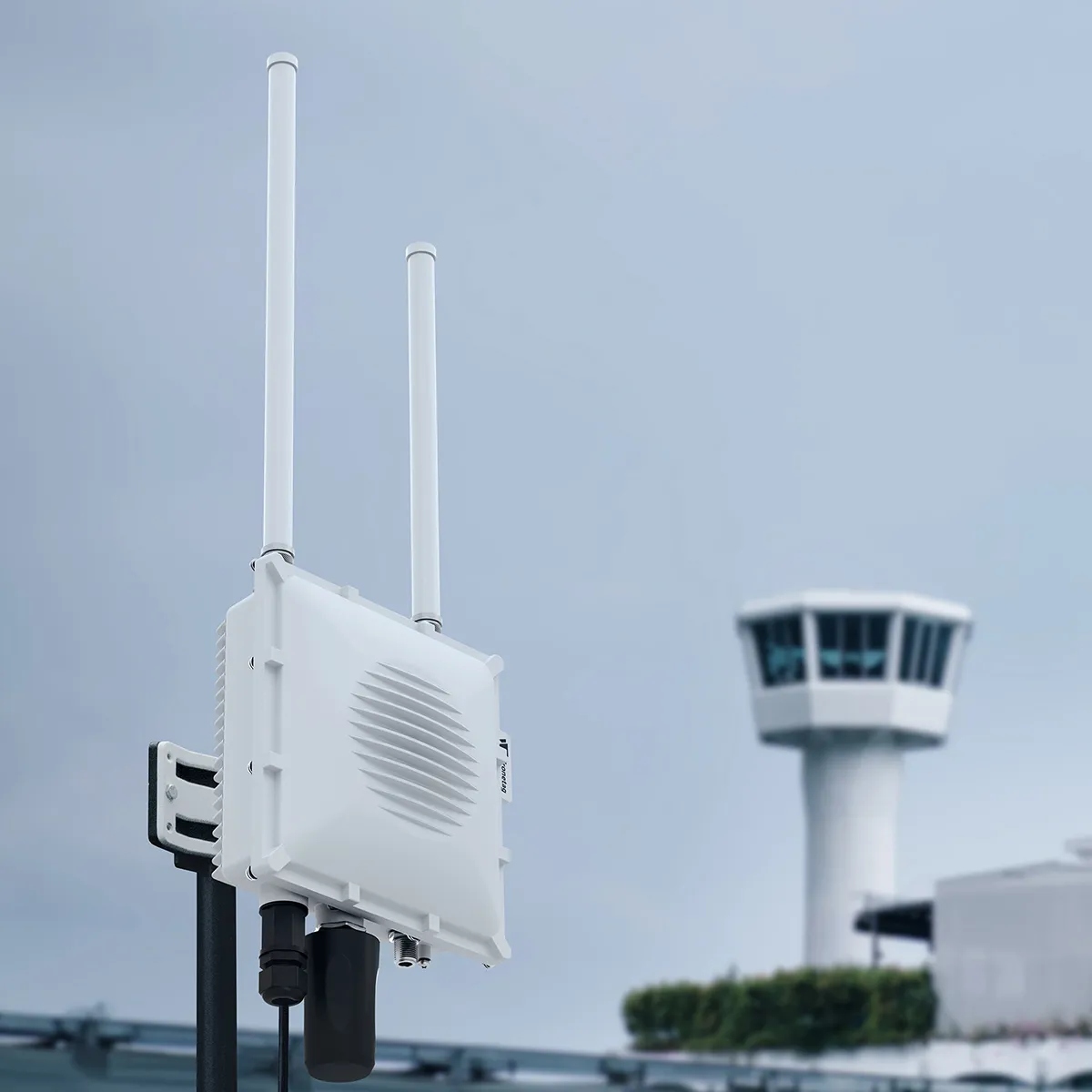
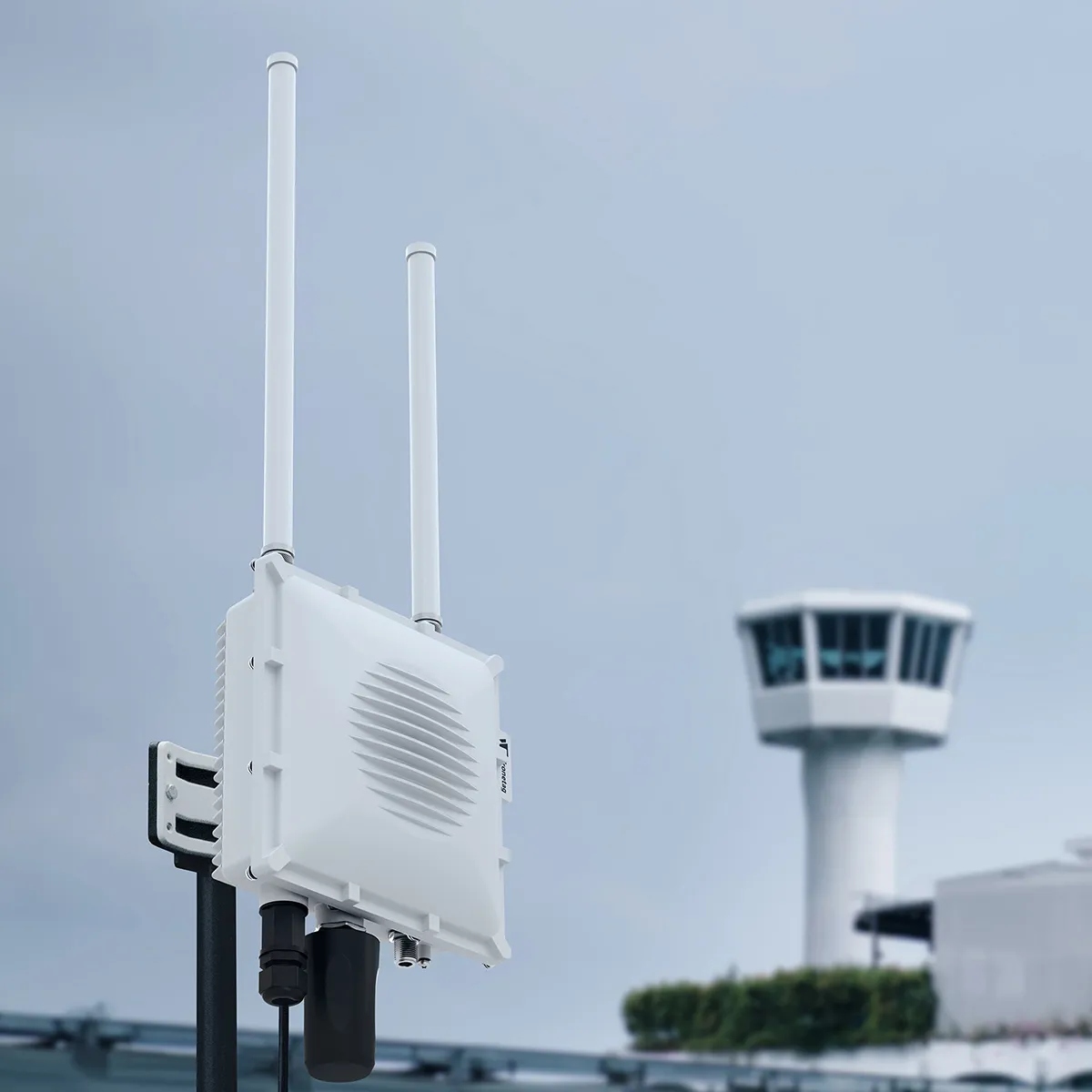
- Install outdoors or with a clear view of the sky.
- Higher placement = better reception (rooftops, poles, towers).
- Avoid obstacles like walls or large metal structures.
What type of antennas should I deploy Scout with?
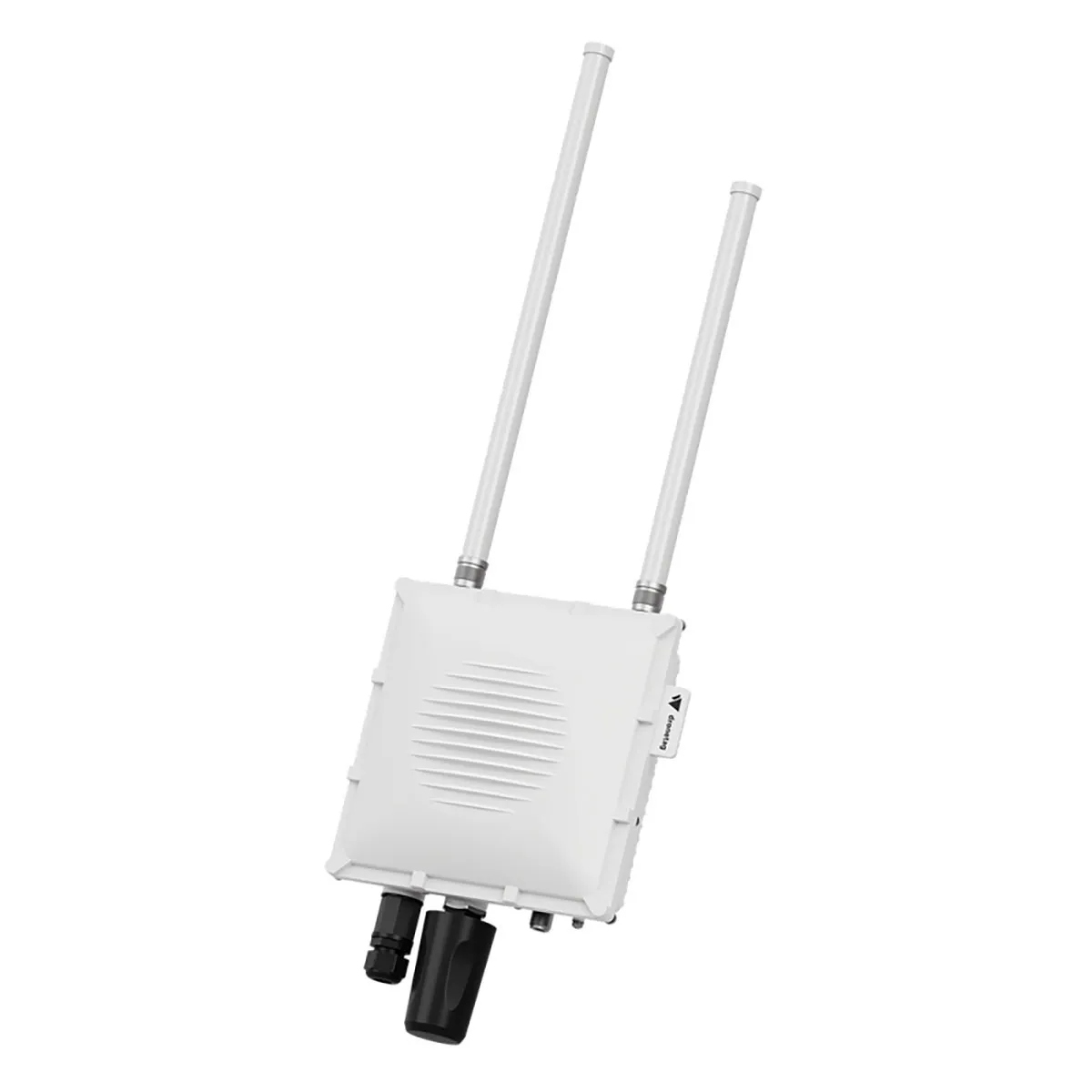
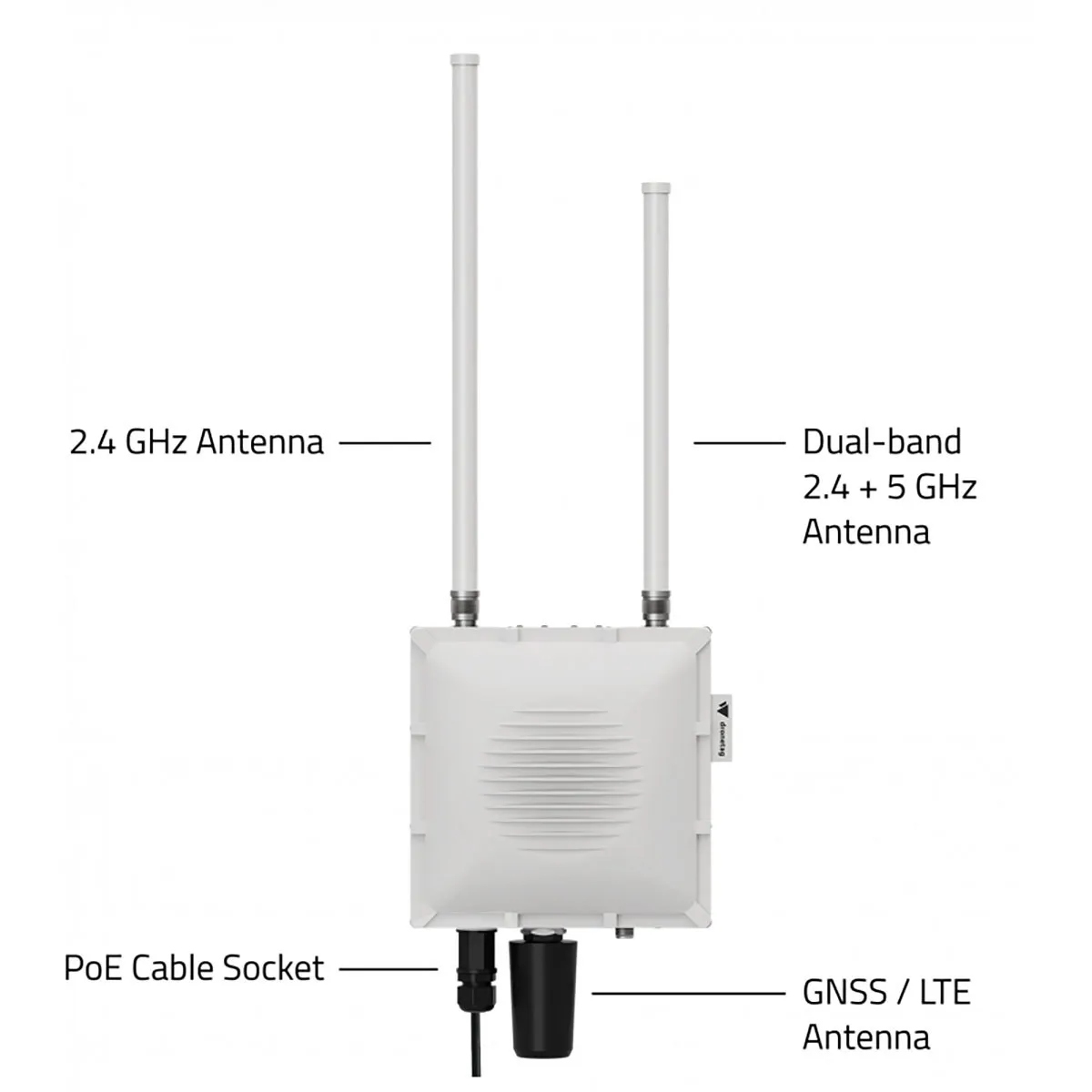
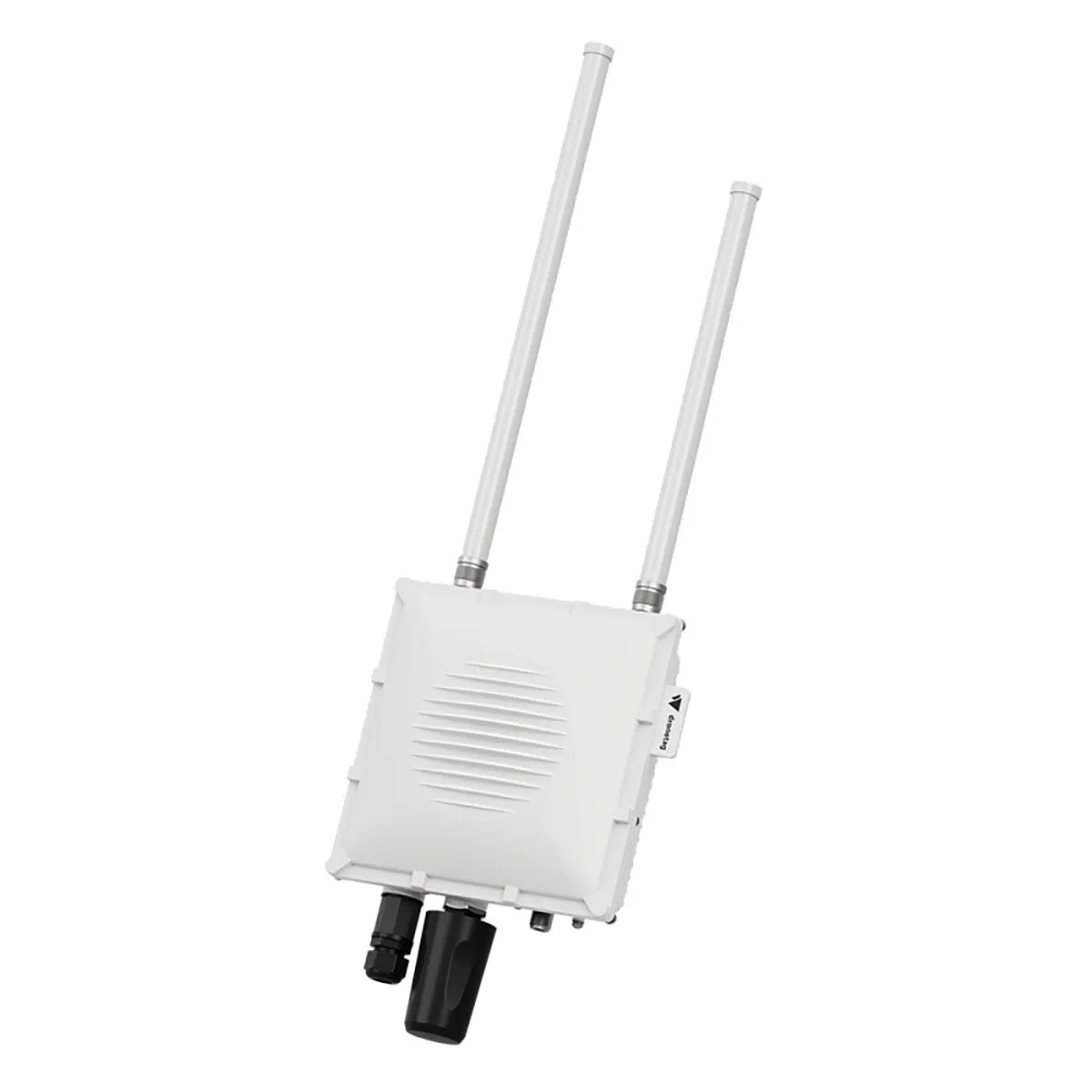
- Scout Baseline comes with omnidirectional antennas.
- For wider coverage or monitoring specific sectors, use directional antennas (e.g. 90° panels).
In which countries can Scout be deployed?
Scout can be deployed worldwide. It detects drones that comply with Remote ID standards in the EU, US, Japan, Singapore, and other regions adopting these rules.
Can Scout detect drones with no Remote ID?
No. If a drone does not transmit Remote ID, Scout cannot detect it. This includes some sub-250g drones or drones in regions where Remote ID is not required.
Does the drone have to be airborne to be detected?
No. The drone does not need to be flying, but it must have a GNSS fix and the motors must be running. Once these conditions are met, the drone starts broadcasting Remote ID, and Scout can detect it.
Where can I view detected data?
- Cloud Mode: Data shown in the Dronetag App, accessible remotely.
- On-Premise Mode: Local server with Dronetag maps and visualisation.
- Sensor mode: Raw detection data for integration into your own system.
Can Scout locate the pilot?
Yes. When the Remote ID message includes pilot position, Scout can display it alongside drone data. When not, it show you take-off location.
What is the detection range and speed?
- Range: Up to 10 km with included omnidirectional antennas. Directional antennas (90° panels) extend range and focus detection.
- Speed: Real-time detection with immediate data transfer.
How is Scout powered?
Scout requires a PoE power supply (802.3af/at). It is designed for continuous operation in fixed installations.
How durable is Scout in the field?
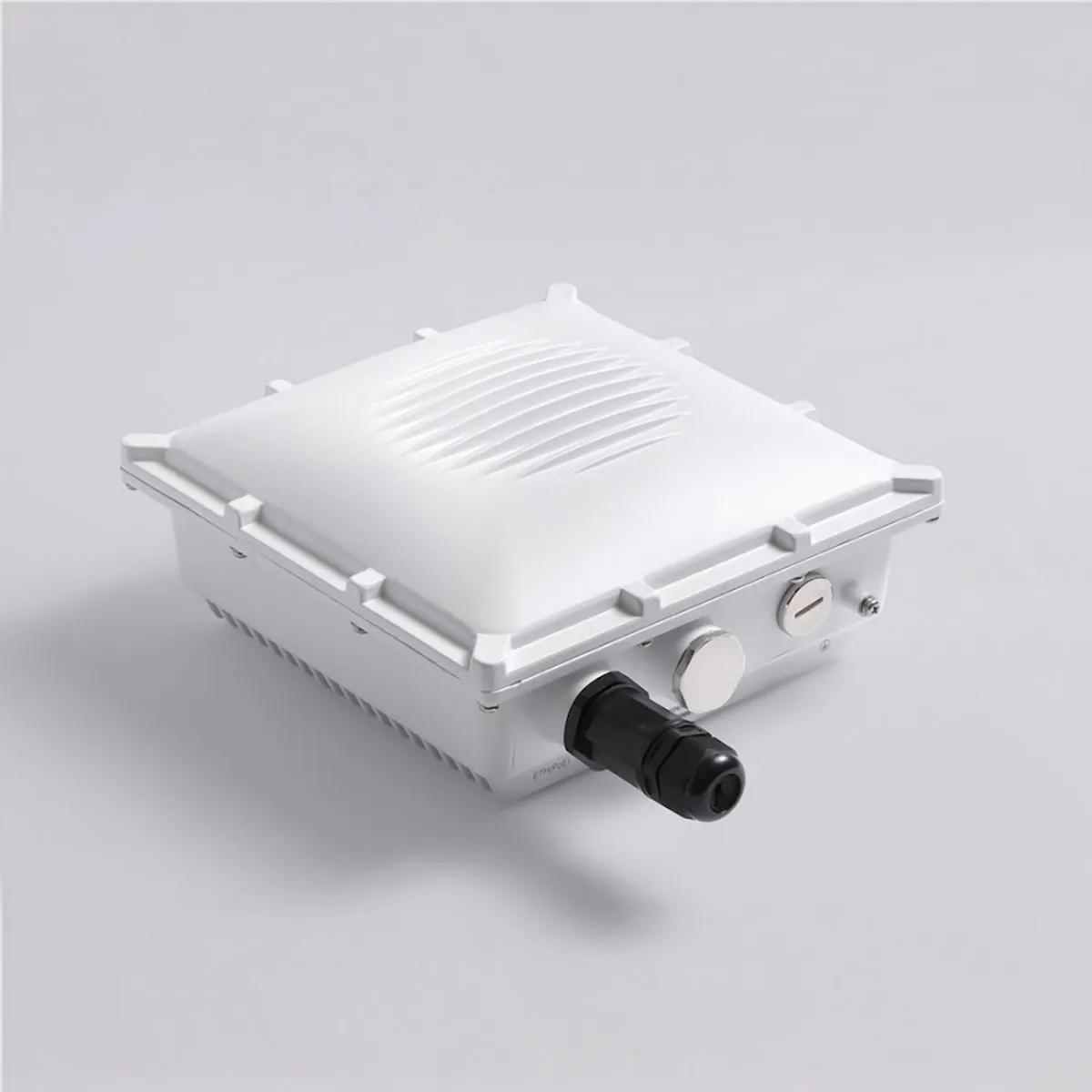
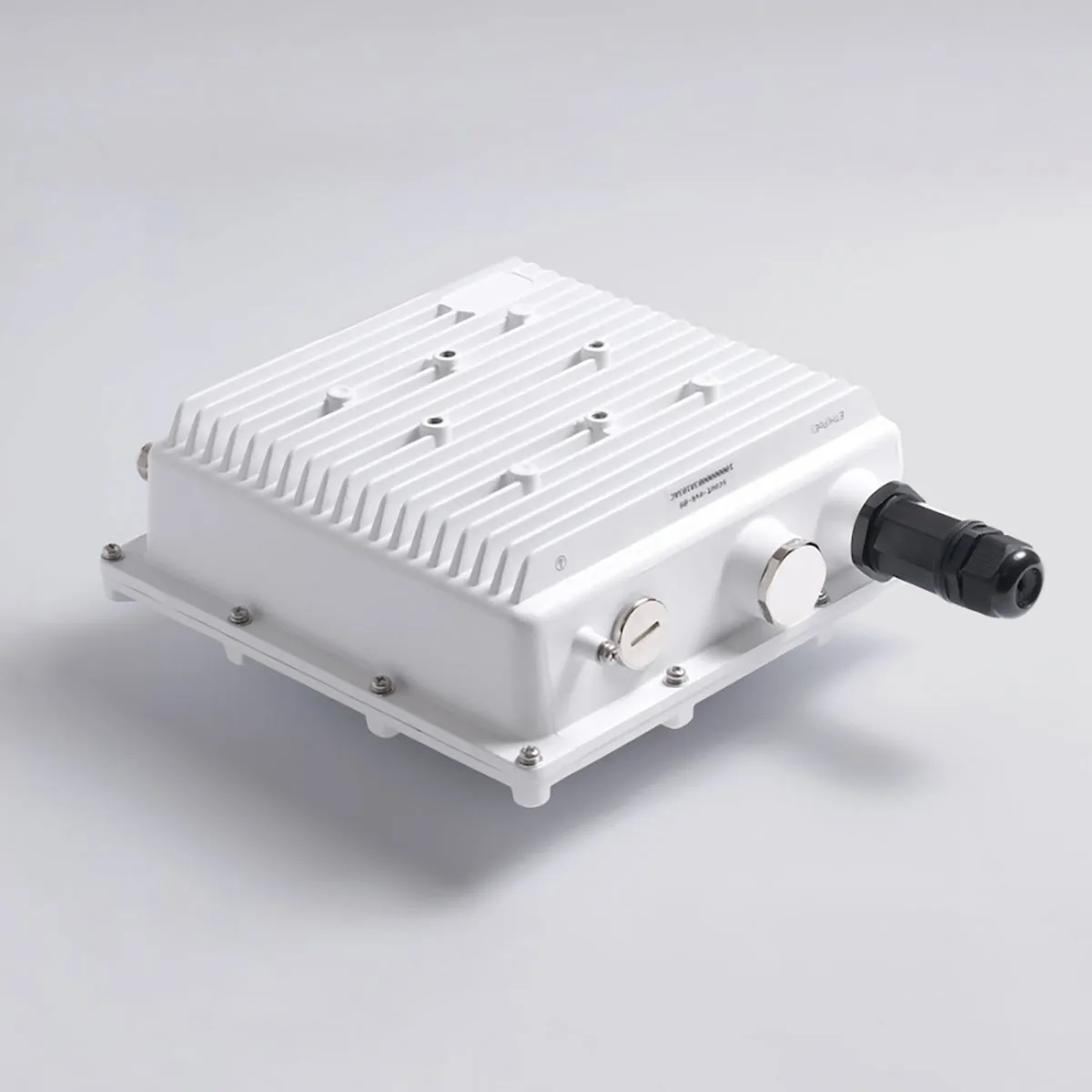
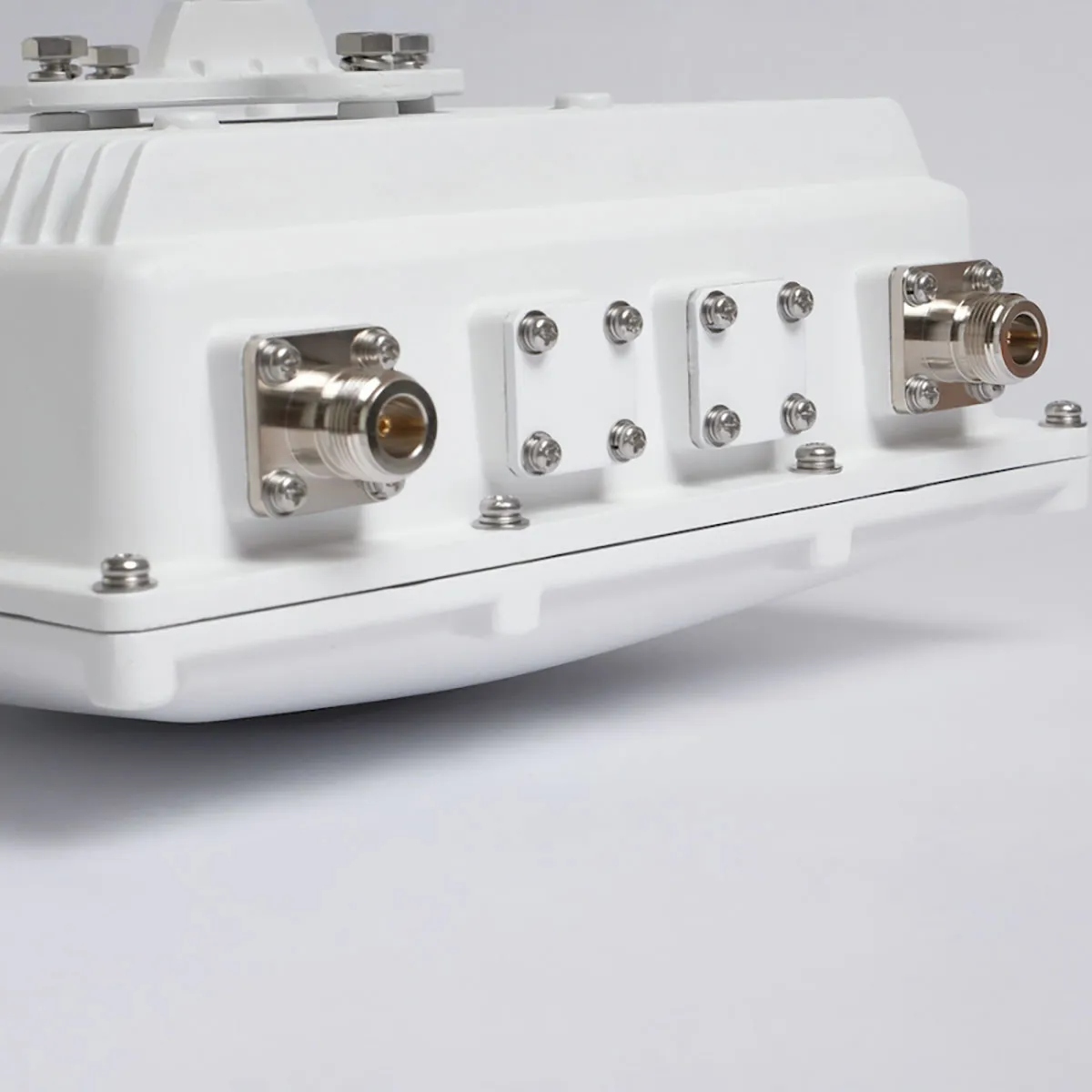
Scout comes in a weatherproof IP-rated enclosure, built for outdoor, 24/7 monitoring (rooftops, poles, towers). It works reliably in harsh environments.
Can Scout data be exported or integrated?
Yes. Scout can deliver data via APIs for integration into C-UAS, UTM, or other third-party systems. In Sensor mode, raw data can be fed directly to your platform.
How can I share situational awareness from Scout?
In the Dronetag app, you can share live data from your Dronetag Scout with another user who also has a Dronetag account.
This allows them to see your device in their list and view its current position on the map in the app.
✅ The selected user will now see your Scout under My Devices, marked with a shared-device icon. They will also see the device's position on their map in the app.
How fast is Scout deployment?
Typically less than 15 minutes, depending on antenna installation and network connection.
Firewall rules for SCOUT's outbound connections?
SCOUT is making multiple outbound connections as TCP/HTTPS.
Dronetag CLOUD
When using SCOUT with Dronetag App
Dronetag MANAGEMENT platform
eu.hosted.mender.io*.eu.hosted.mender.io
Dronetag AUTO-UPDATE endpoints
mender.blob.core.windows.netc271964d41749feb10da762816c952ee.r2.cloudflarestorage.com
Statistics reporting
influxdb.devtools.dronetag.cz
Who typically uses Scout?
- Airports and heliports
- Cities and municipalities
- Critical infrastructure operators
- Event organisers
- Security and C-UAS providers needing permanent airspace monitoring


 EN
EN  NL
NL  FR
FR  DE
DE  ES
ES